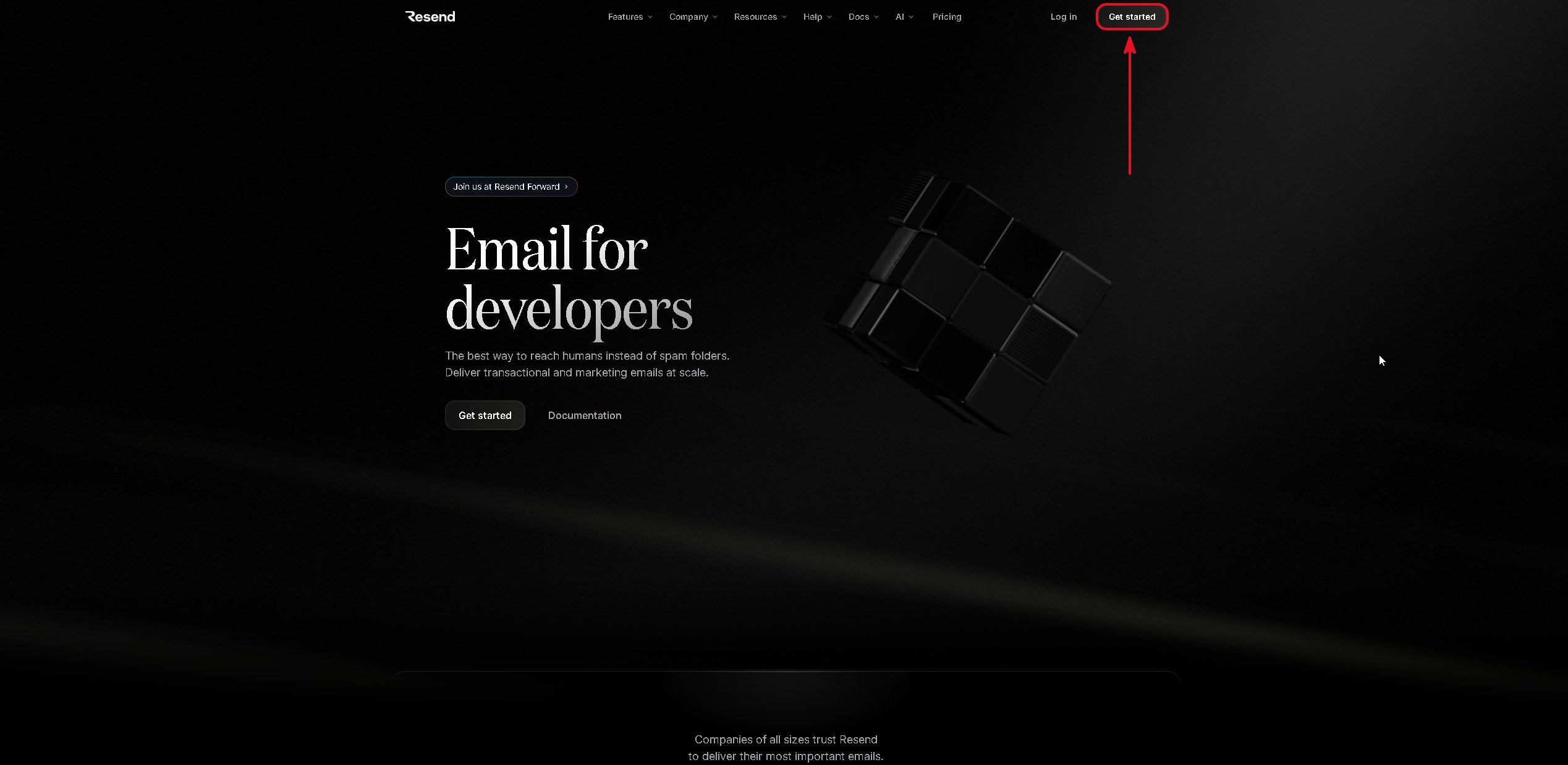
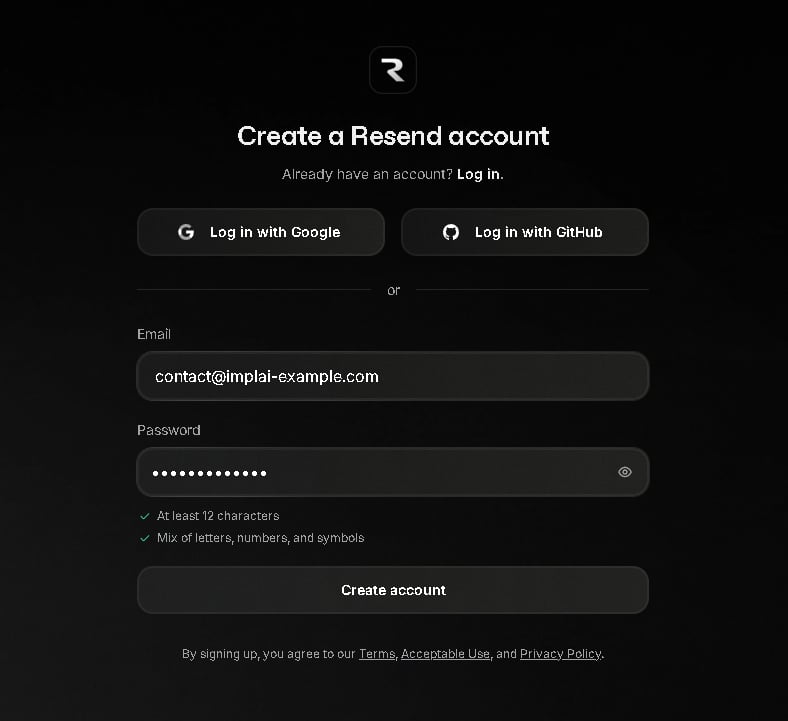
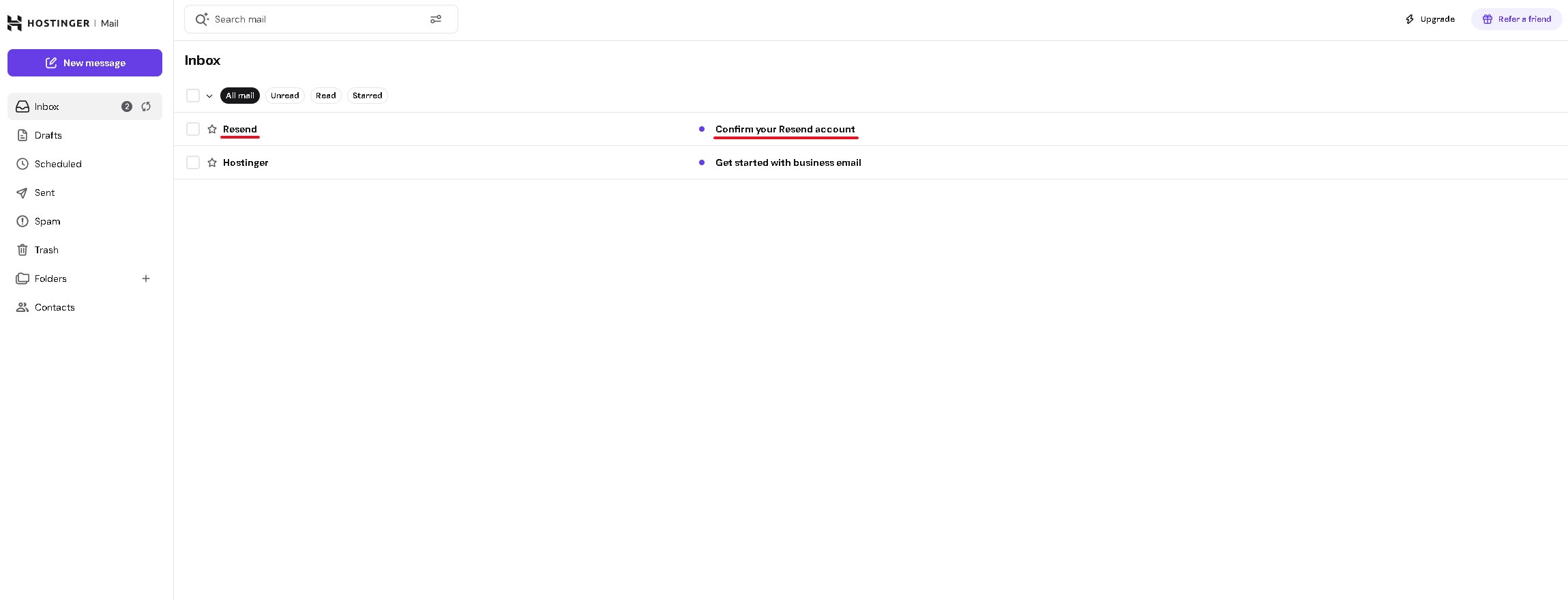
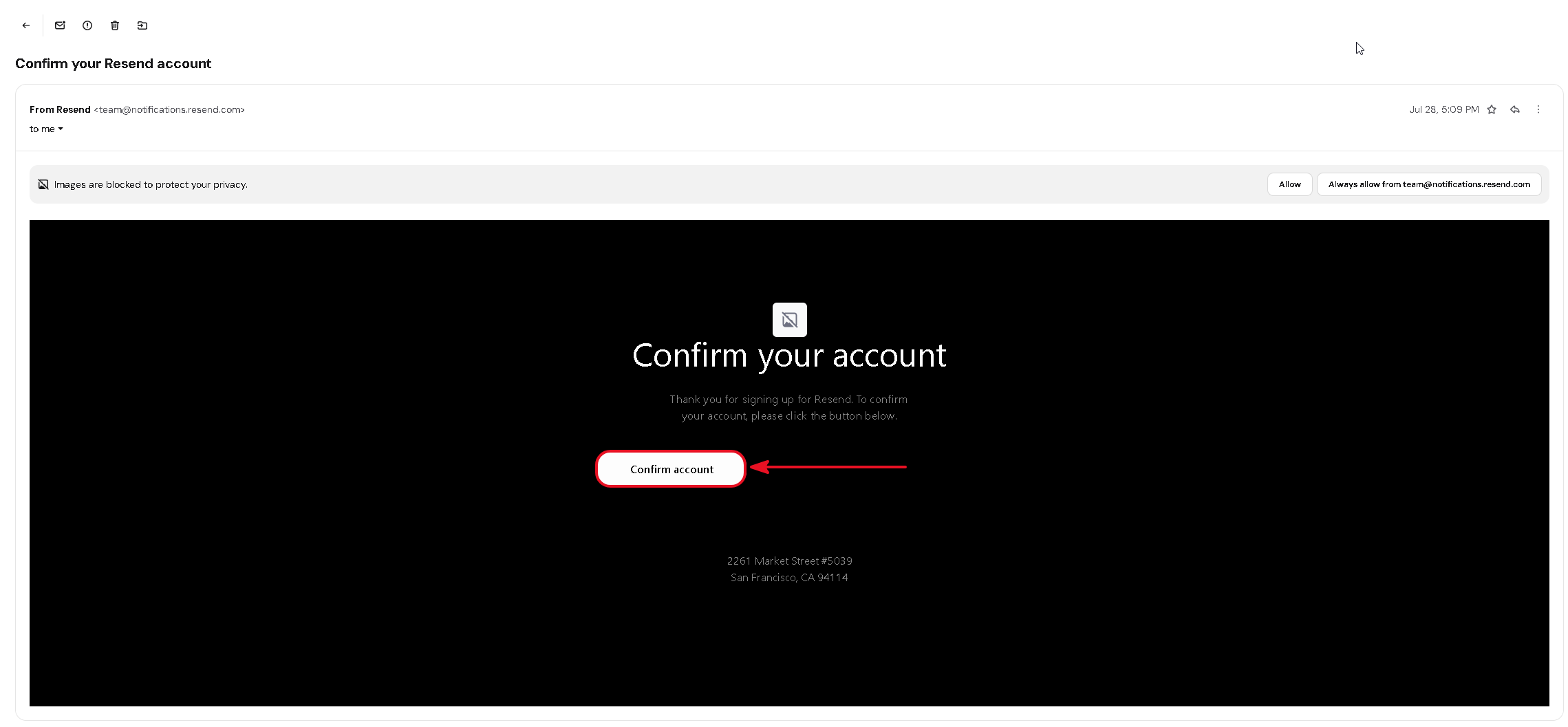
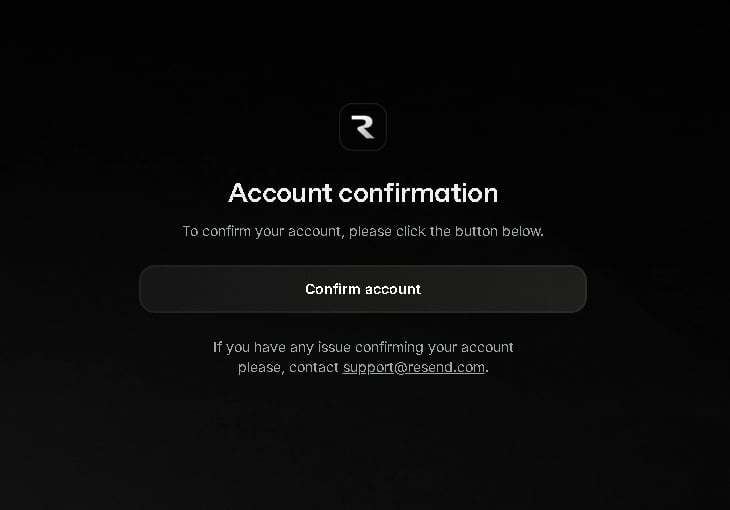
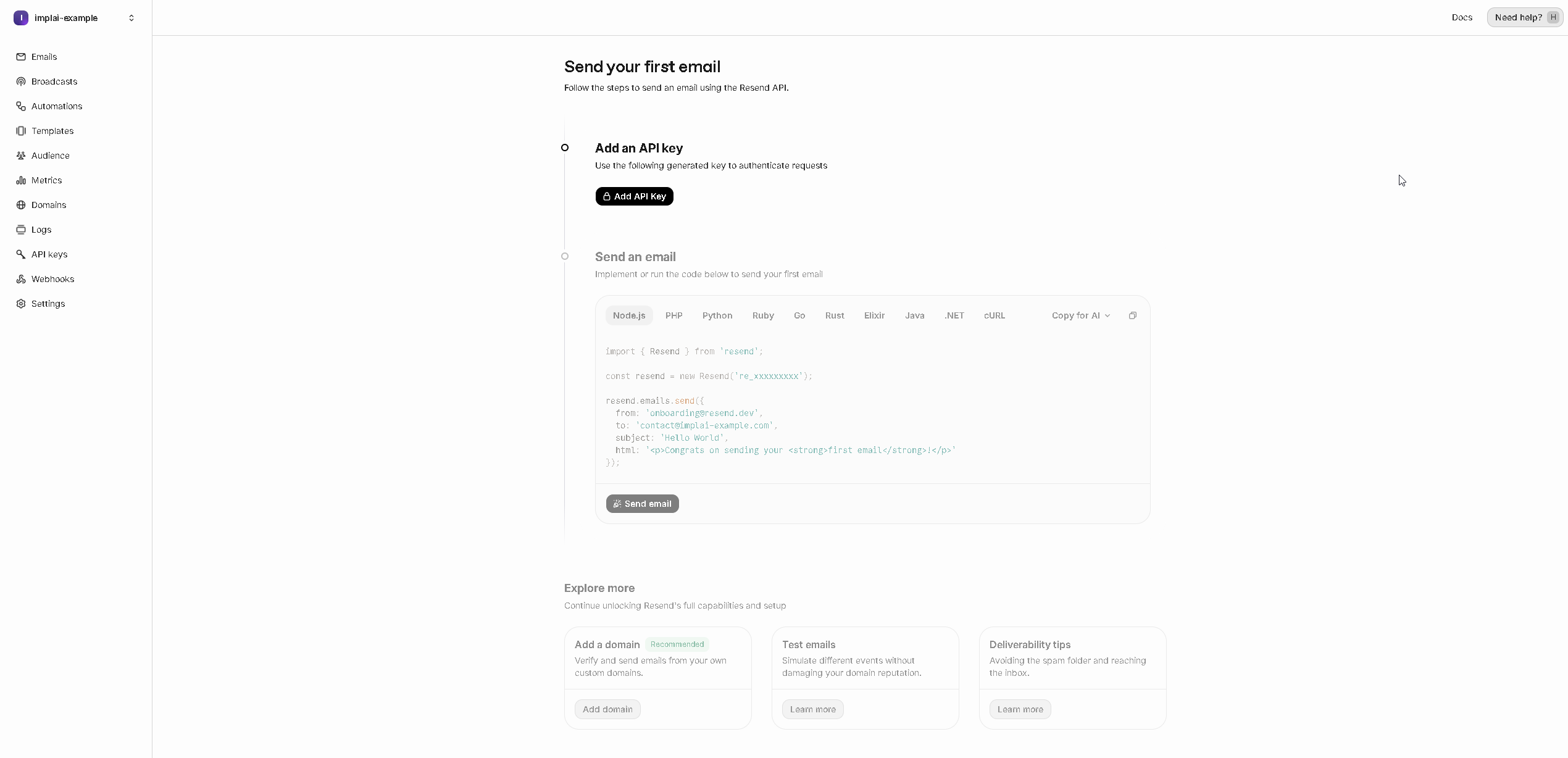
Resend is what lets your platform send email. Sign-up confirmations, password resets, welcome messages and the notifications your customers receive all leave through it.The point of this chapter is that those emails come from your domain. A confirmation email arriving from noreply@mail.yourdomain.com looks like a company; the same email from a generic address looks like a script, and often lands in spam.
Before Resend will send email as your domain, it has to prove you own it. That’s done by adding a few DNS records in Hostinger, the same way you connected your domain to Vercel.
1
Start adding a domain
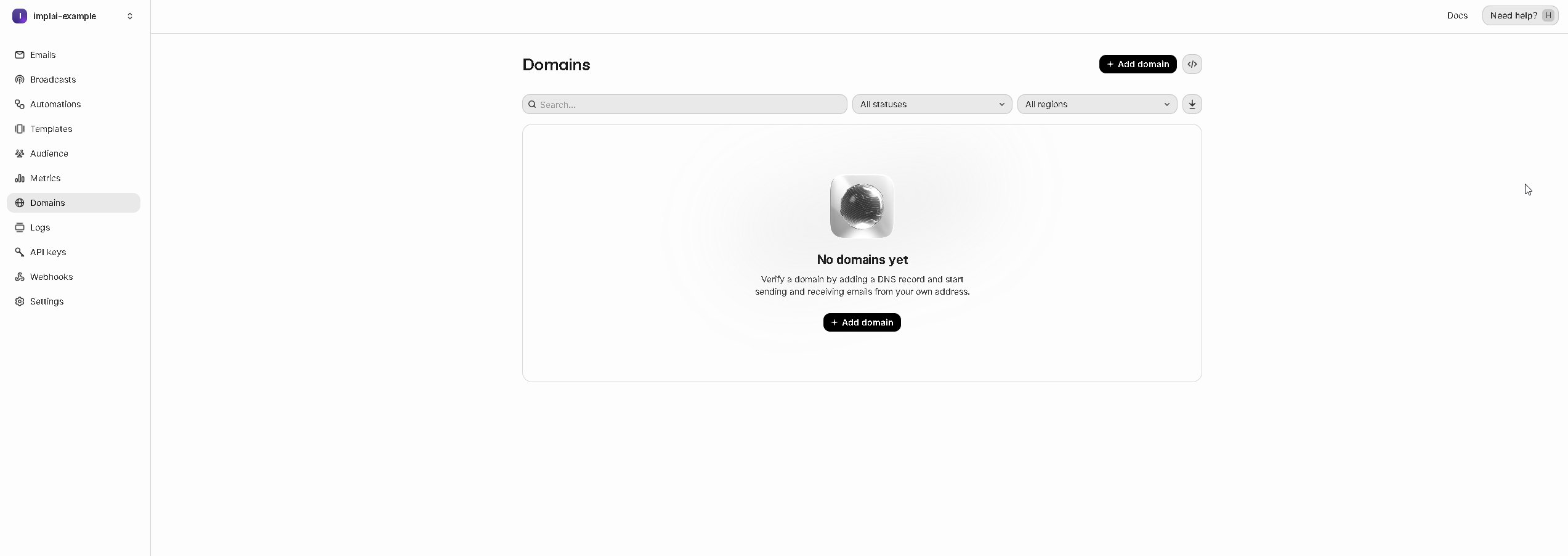
Click Domains in the sidebar, then Add domain.
2
Use a subdomain, not your main domain
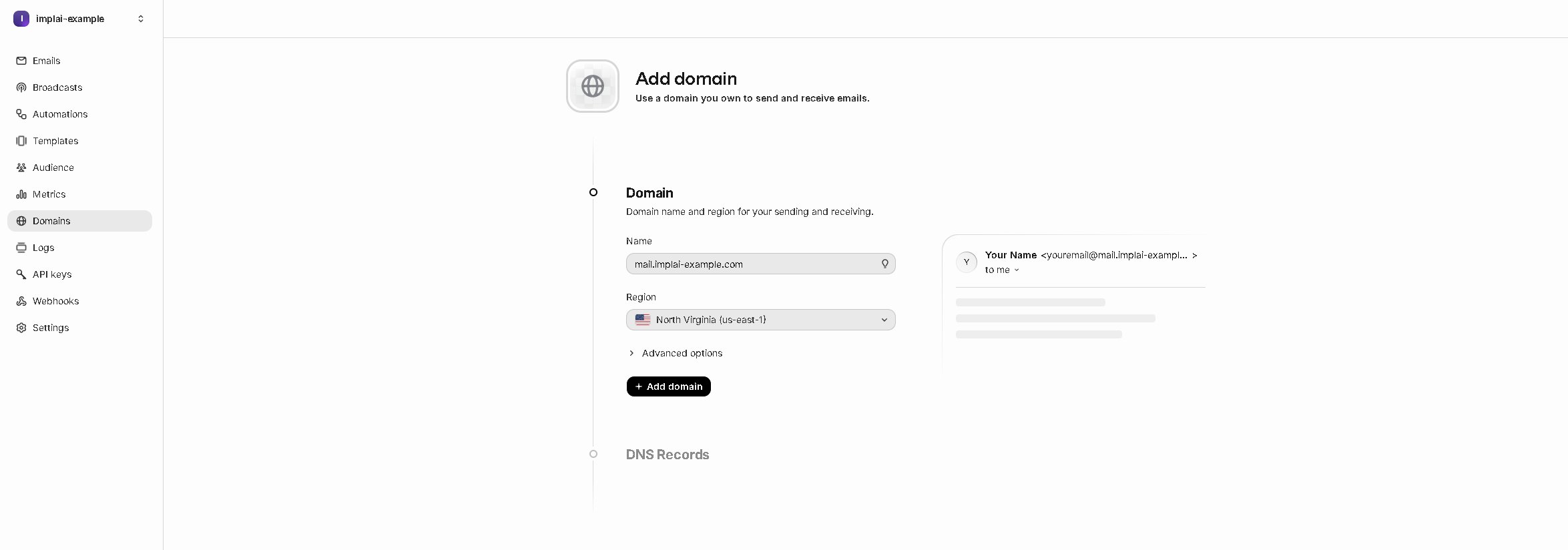
Enter your domain with a subdomain in front of it, such as mail.yourdomain.com. You can use any prefix you like, but mail is the convention.This matters for two reasons. It keeps the reputation of your automated email separate from your main domain, so if a message ever gets marked as spam it damages only the subdomain. And it keeps the DNS records Resend needs scoped to that subdomain, leaving your main domain free for other email services later.For the region, choose the one closest to most of your customers. We use North Virginia (us-east-1), which matches where the rest of your services will run.Click Add domain.
The subdomain goes in front of your domain, for example mail.yourdomain.com.
3
Read the records Resend needs
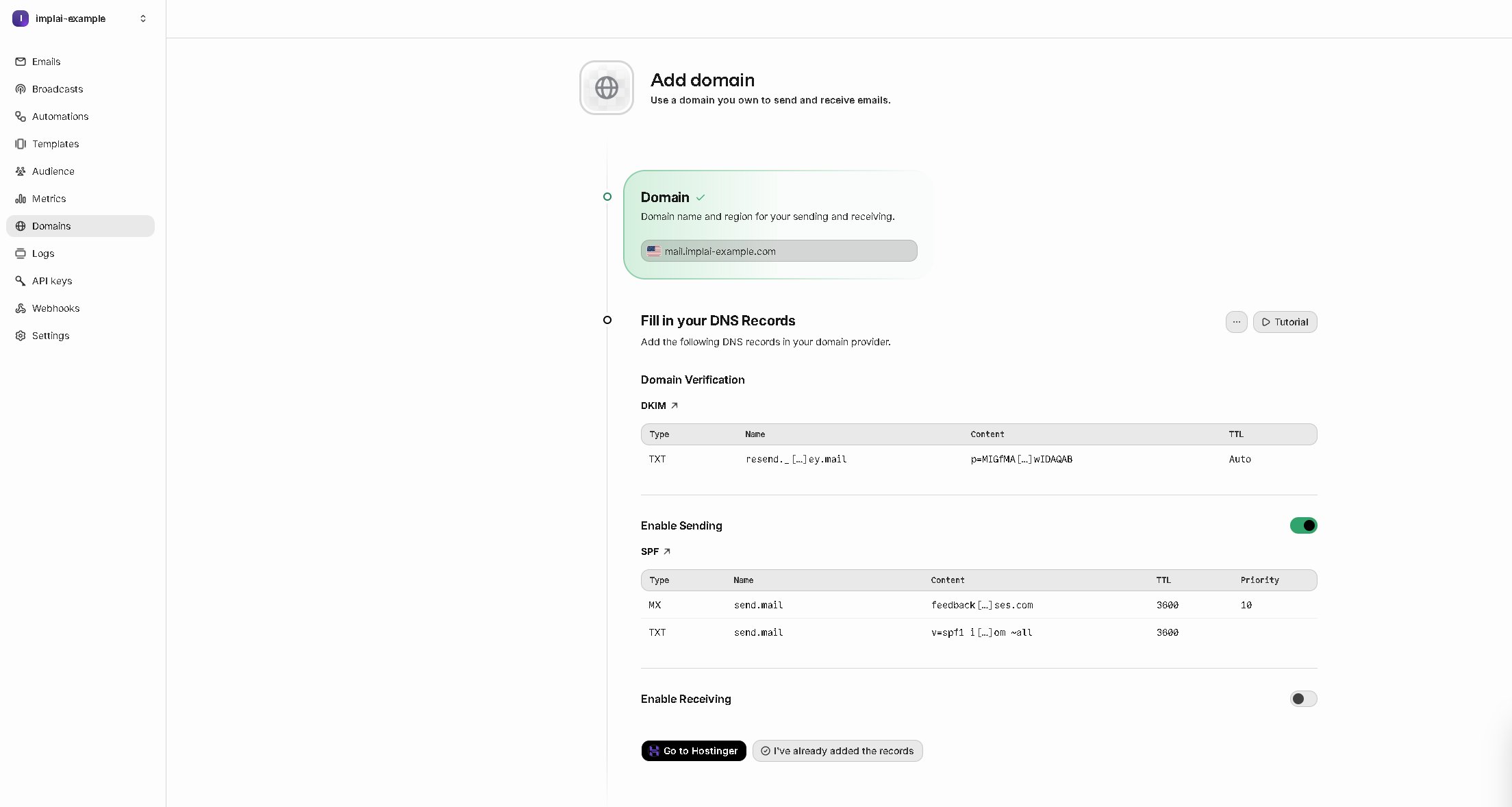
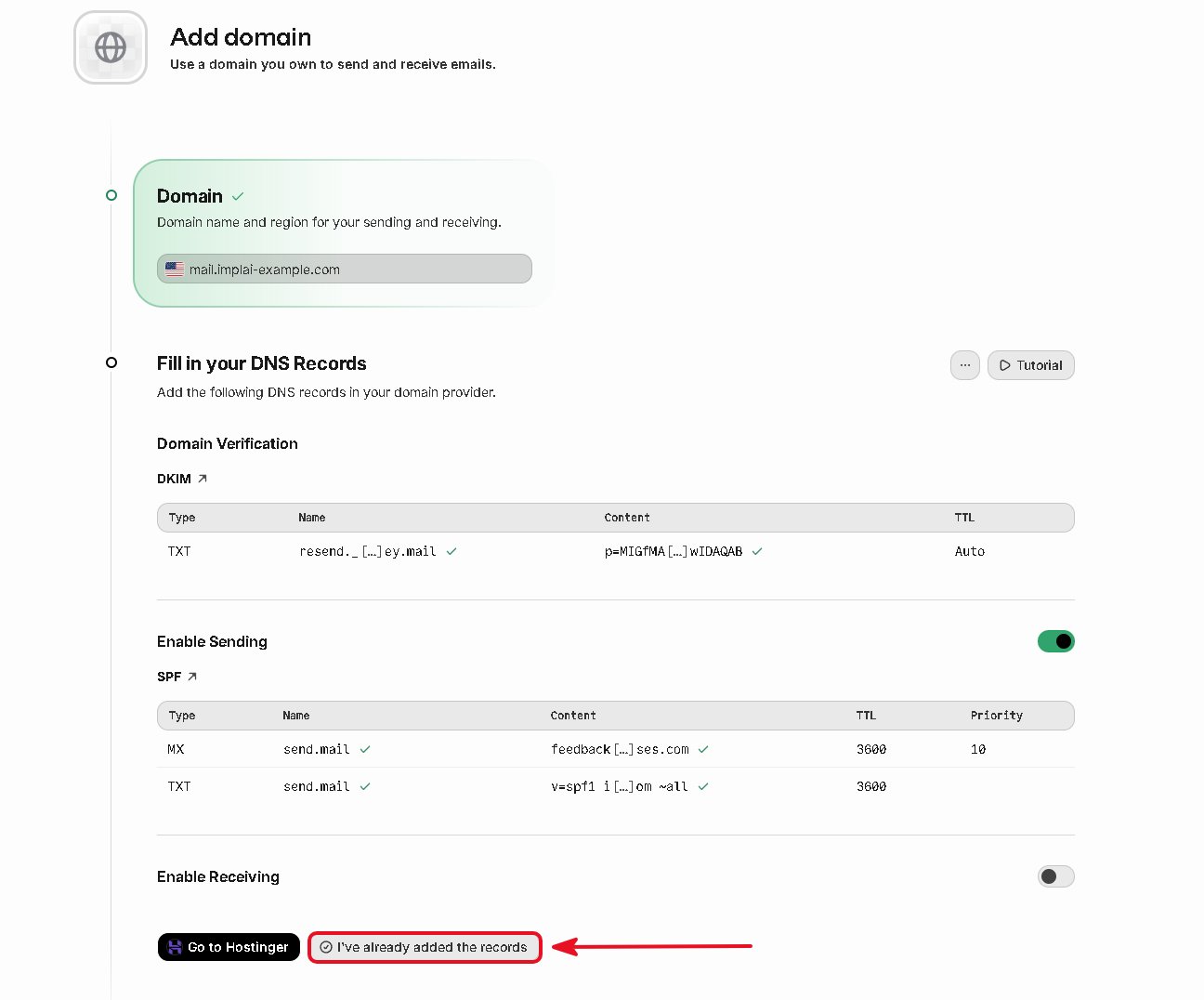
Resend now shows the DNS records to add, in two groups: Domain Verification with one TXT record, and Enable Sending with an MX record and a second TXT record. Three records in total.Leave the Enable Receiving toggle off. Your app only needs to send email from this subdomain, not receive it.
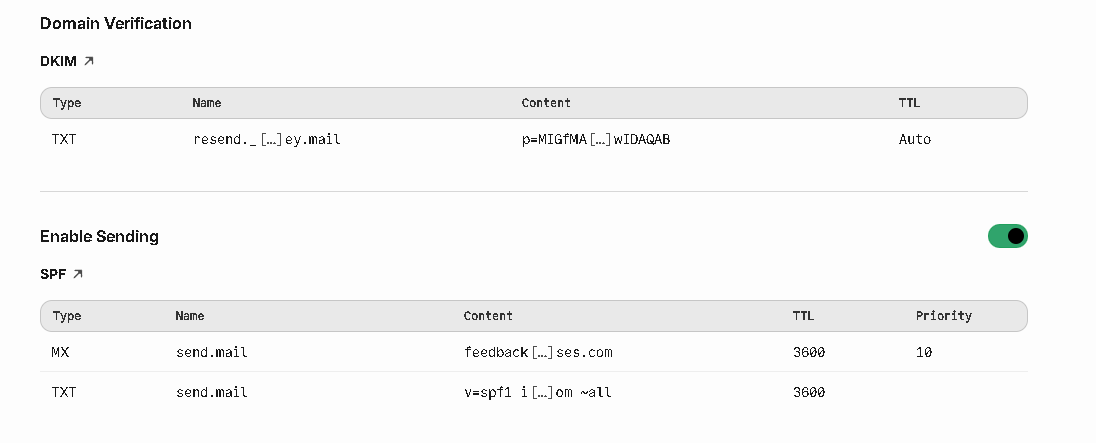
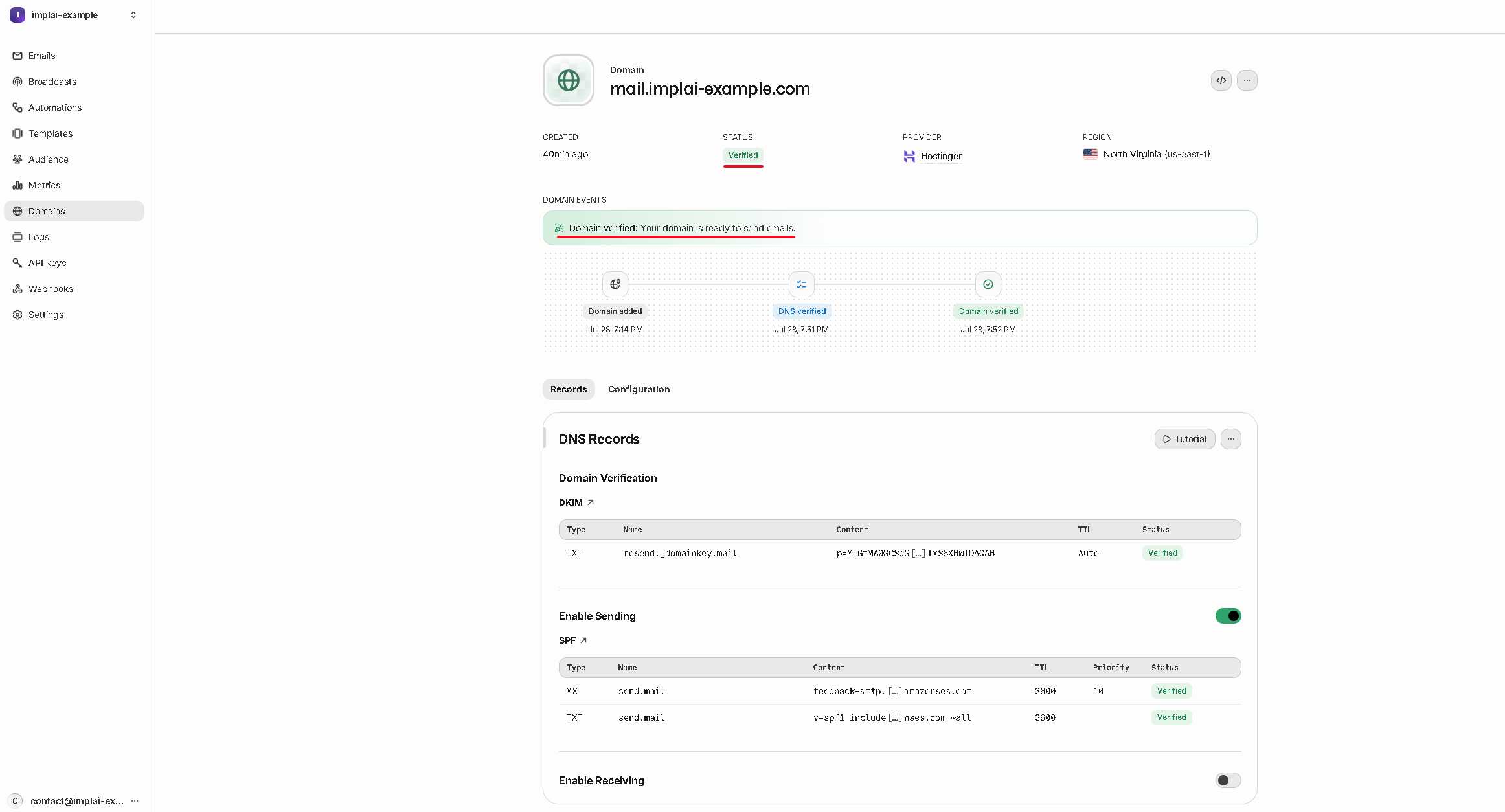
Here are those same three records close up, so you can see which columns you’ll need.
One TXT record under Domain Verification, then an MX and a TXT under Enable Sending.
These values are unique to your domain. Copy them from your own screen, never from this page.
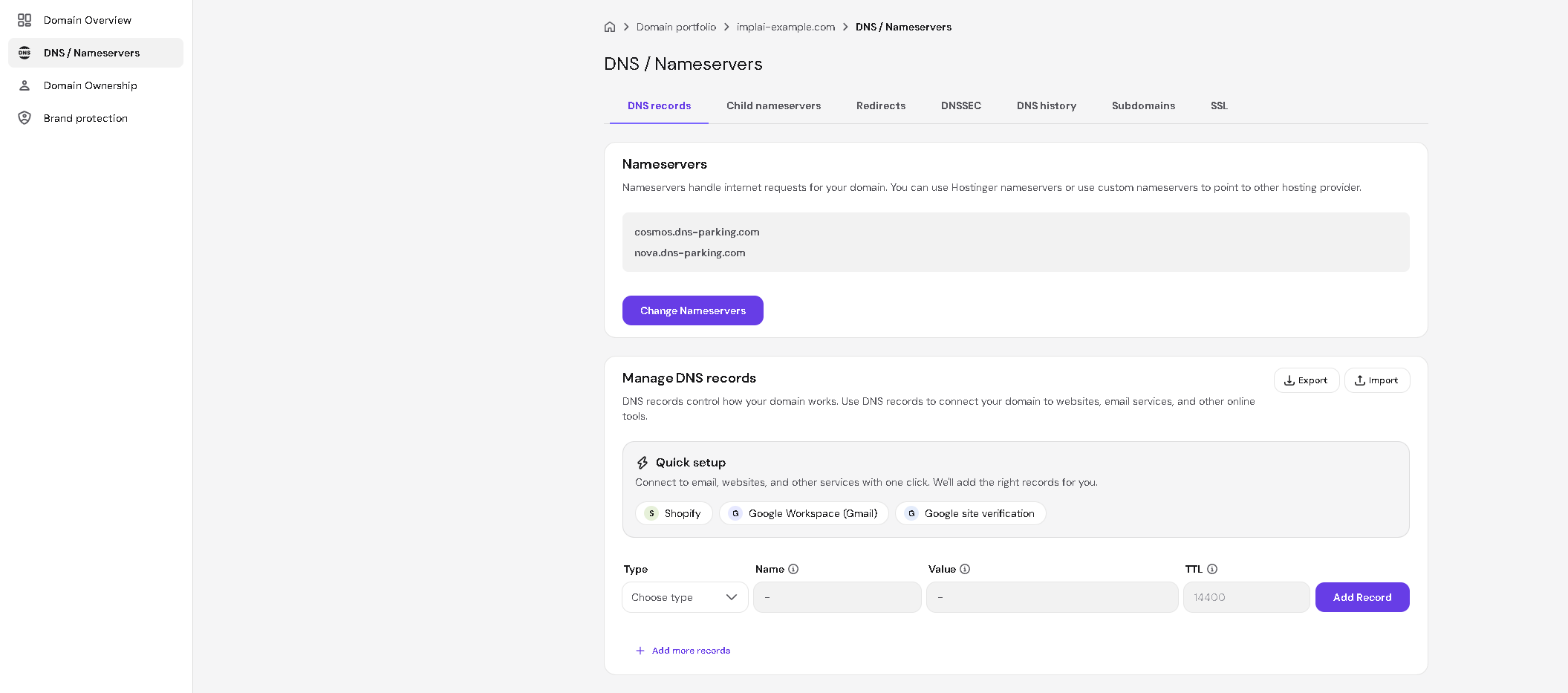
At the bottom of the Resend page, click Go to Hostinger. This opens Hostinger’s DNS / Nameservers page in a new tab, leaving Resend open behind it.
Keep the Resend tab open. You’ll come back to it to confirm the records, and if you lose that page you’ll have to start the domain verification over.
2
Enter all three records
The two services name their fields differently, which is the easiest thing to get wrong here:
In Resend
In Hostinger
Type
Type
Name
Name
Content on a TXT record
TXT value
Content on the MX record
Mail server
TTL
TTL, or leave Hostinger’s default if Resend shows Auto
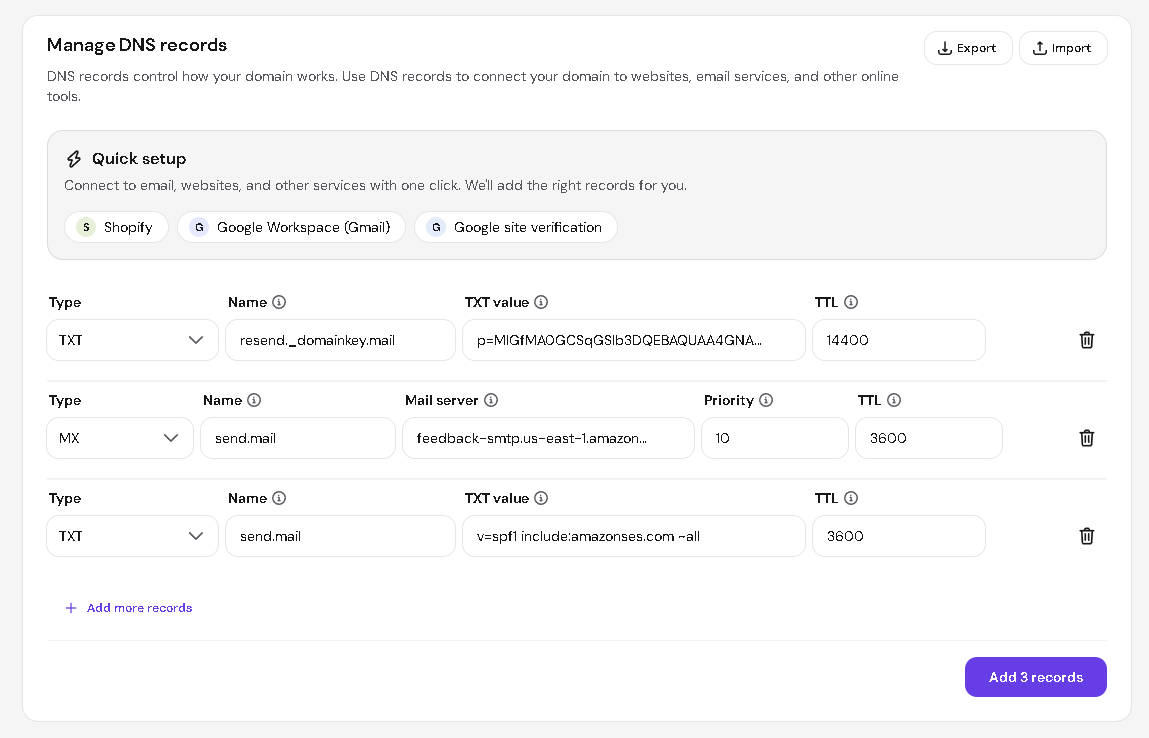
First row. This is the single TXT record under Domain Verification in Resend.
Set Type to TXT
Copy Resend’s Name (it looks like resend._domainkey.mail) into Name
Copy Resend’s Content (a long string starting with p=) into TXT value
Leave TTL as Hostinger has it, since Resend shows Auto for this one
Click Add more records to reveal a second row.Second row. This is the MX record under Enable Sending.
Set Type to MX
Copy Resend’s Name (it looks like send.mail) into Name
Copy Resend’s Content (a feedback-smtp…amazonses.com address) into Mail server
Set Priority to 10
Set TTL to 3600
Click Add more records again for a third row.Third row. This is the second TXT record under Enable Sending, directly below the MX one.
Set Type to TXT
Copy Resend’s Name into Name, which is the same send.mail as the row above
Copy Resend’s Content (it starts with v=spf1) into TXT value
Set TTL to 3600
Check all three rows against Resend, then click Add 3 records.
All three records are submitted together.
3
Ask Resend to verify
Switch back to your Resend tab and click I’ve already added the records.
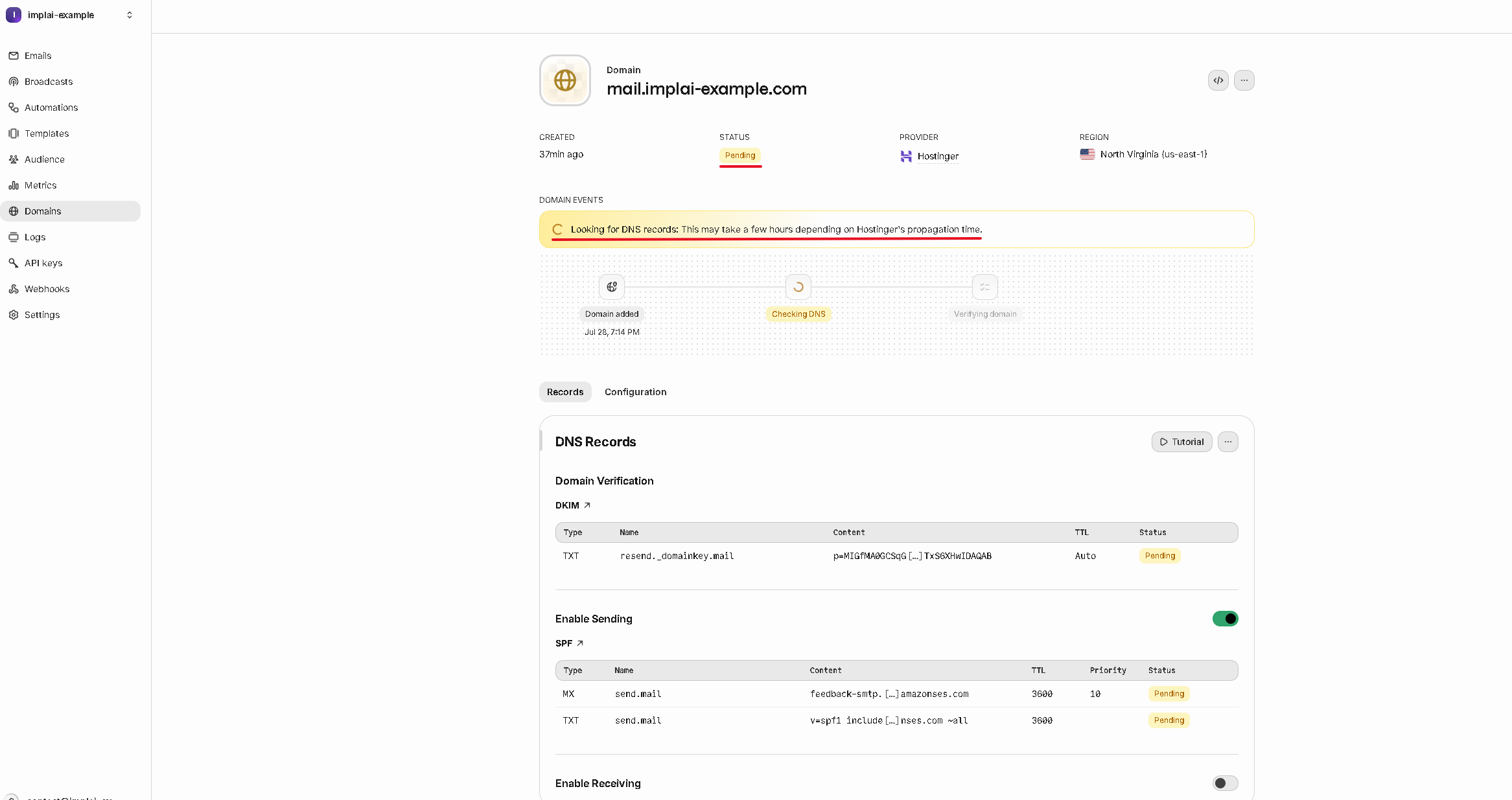
The status turns yellow and reads Pending, with a note that this may take a few hours depending on propagation. In practice it’s usually much faster, often around half an hour.
Once it turns green and reads Verified, your domain is ready to send email.
Verified means Resend can now send email as your domain.
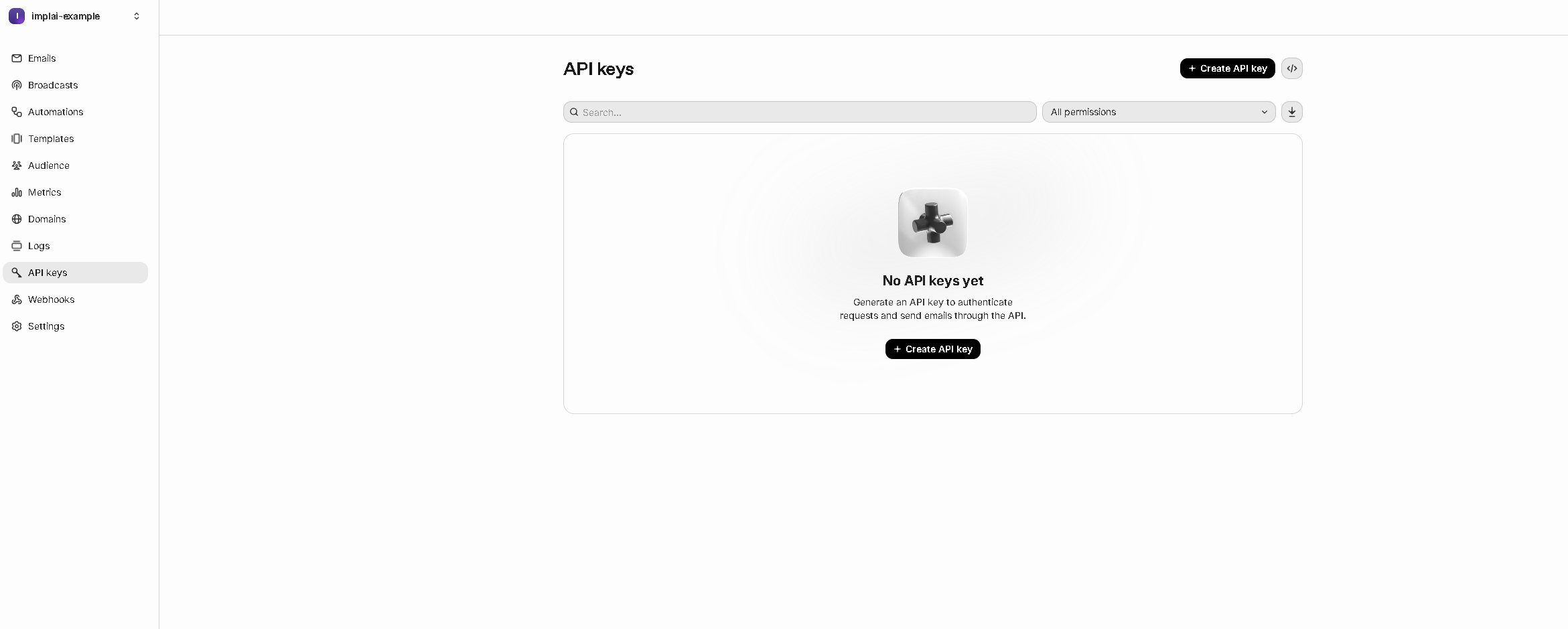
Click API keys in the sidebar, then Create API key.
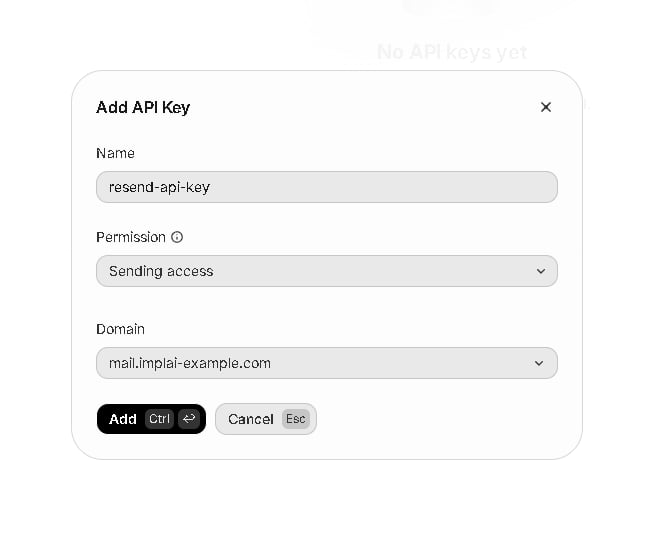
Give it any name you’ll recognise. Set Permission to Sending access, and select your domain in the Domain dropdown, so this key can only send email, and only from your domain.Click Add.
Sending access and a specific domain keep the key's power narrow.
2
Copy it
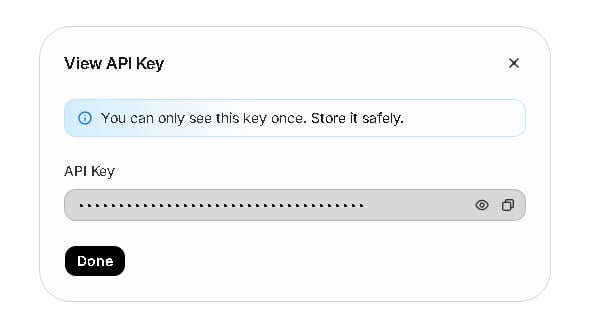
Resend shows the key once and warns you that you won’t see it again. Click the copy icon, then click Done.You don’t need to save it anywhere else. Once you paste it into Vercel in the next step, you can always come back and read it there, which you’ll do later when setting up Supabase.
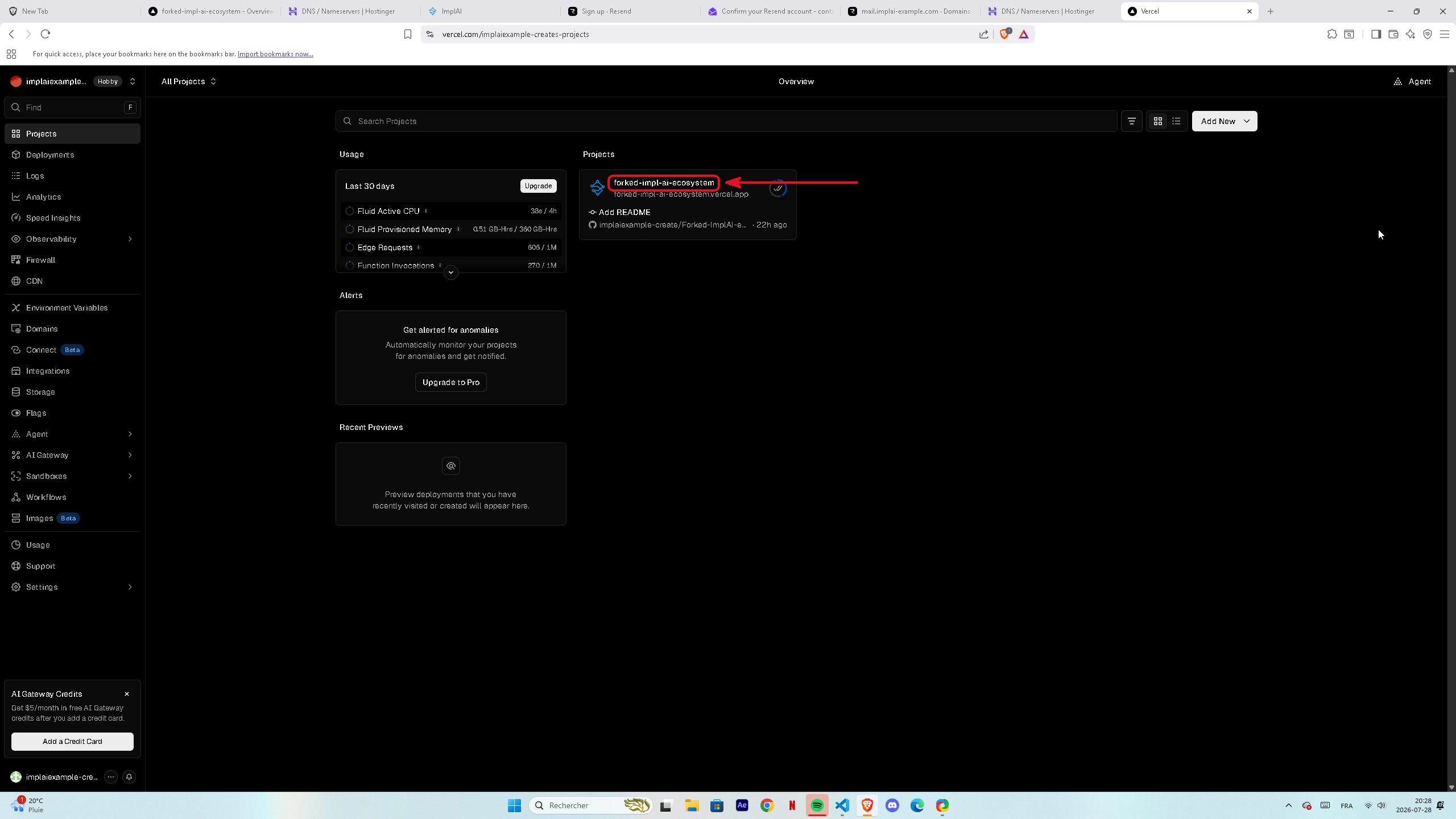
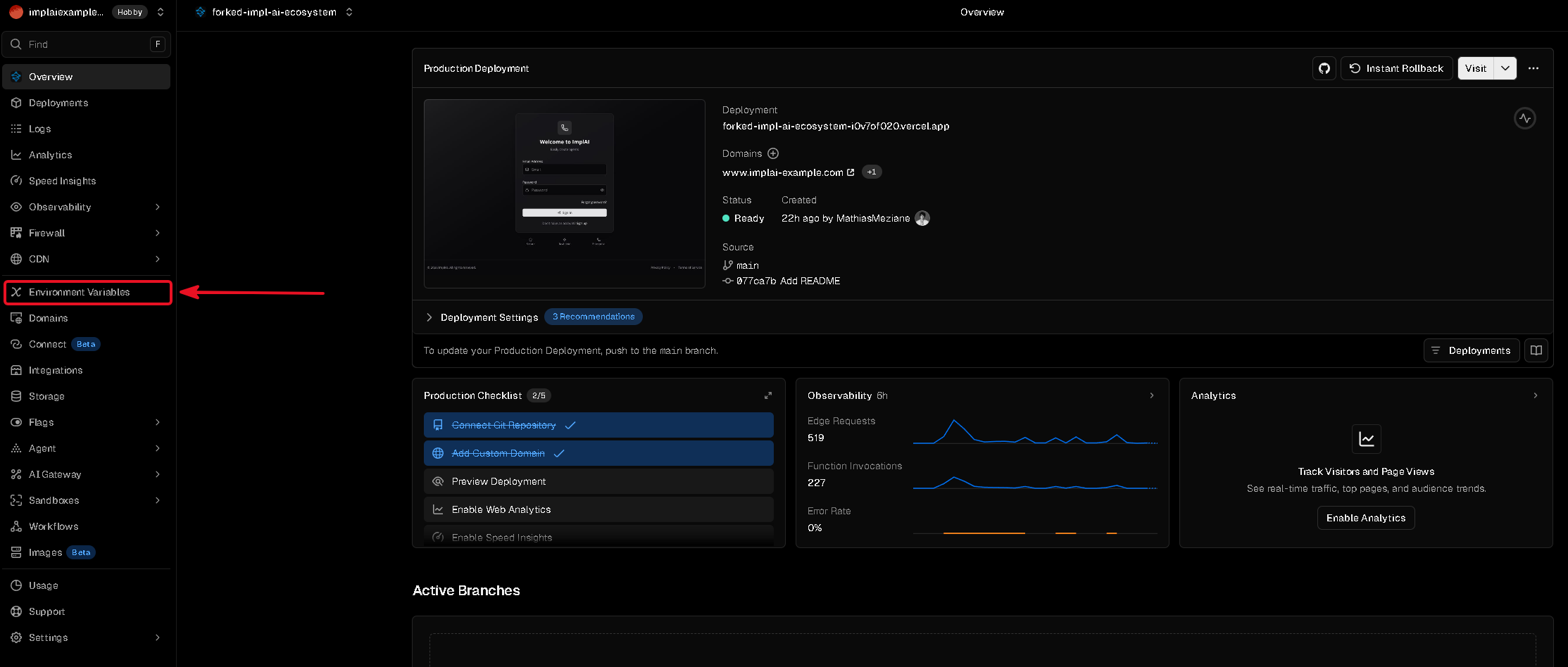
In your project, click Environment Variables in the sidebar.
2
Paste your API key
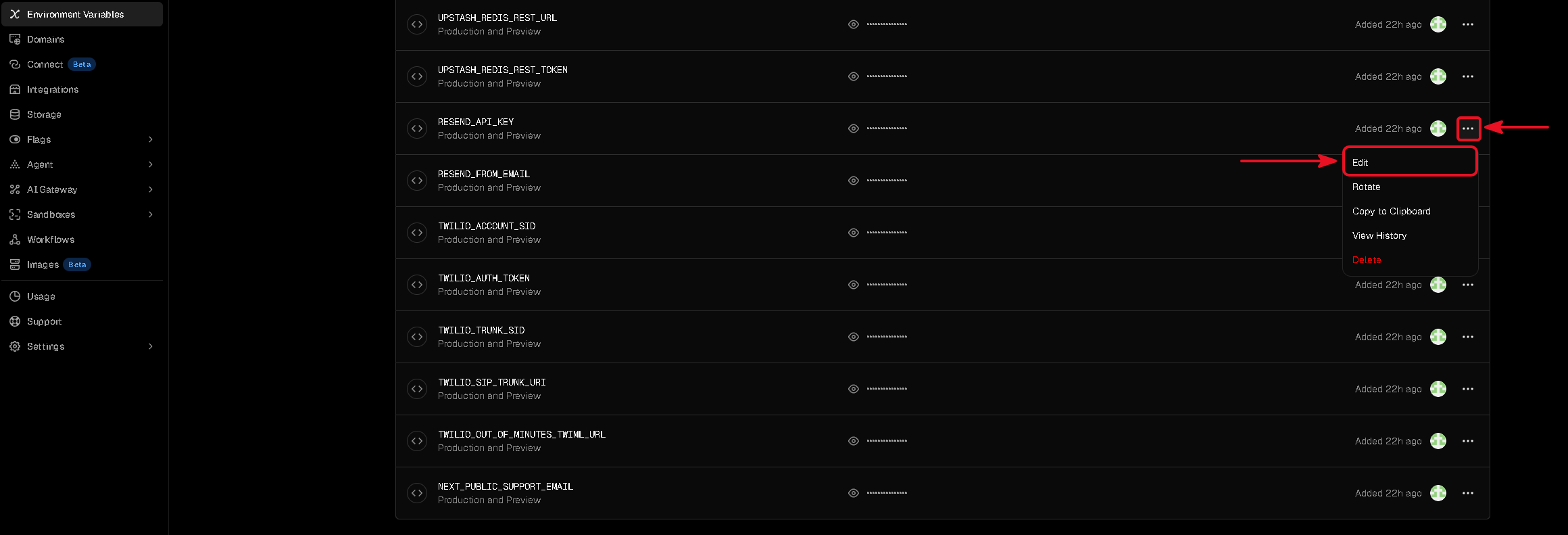
Find RESEND_API_KEY in the list, click the three dots at the end of its row and click Edit.
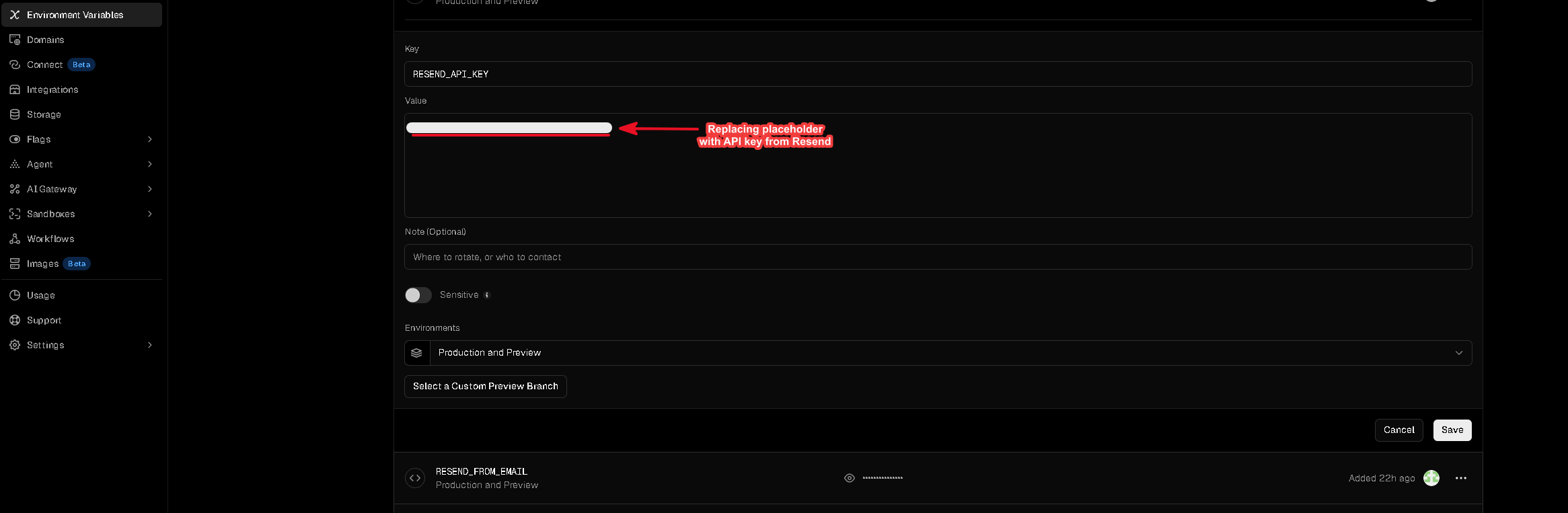
Paste the key you copied into the Value field and click Save.
3
Set your sending address
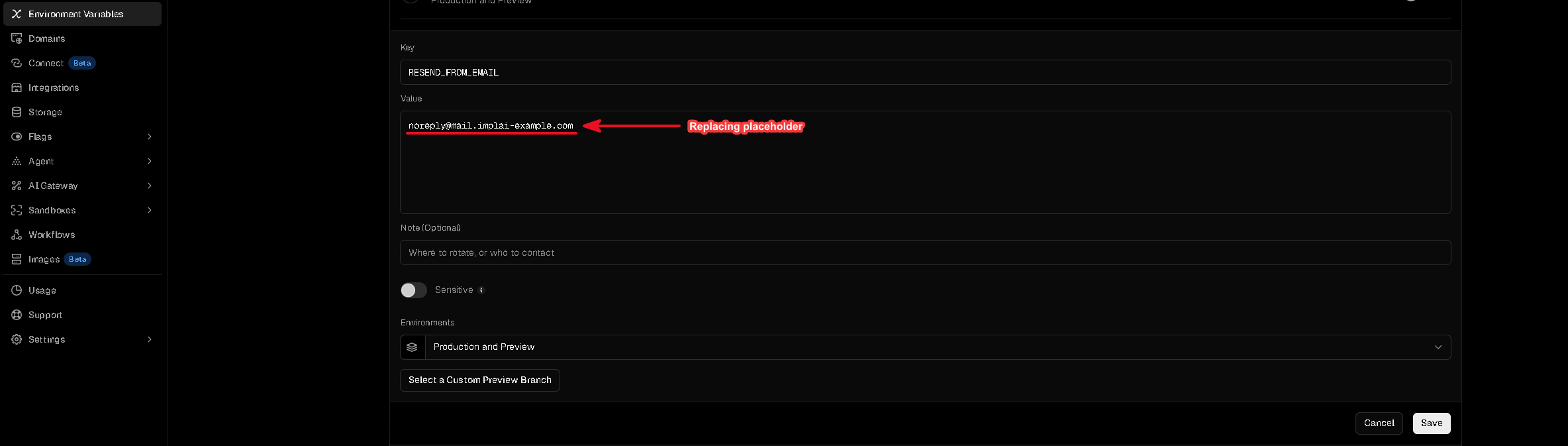
Find RESEND_FROM_EMAIL and set it to the address your emails will come from, using the subdomain you just verified:
noreply@mail.yourdomain.com
Enter only the address, with no name and no angle brackets around it. Your app adds the sender name by itself, taking it from the brand name you’ll set later on the Branding page inside your own platform, so your customers see your company name in their inbox rather than a bare address.Click Save.
Just the address, using your verified subdomain.
Remember this address. You’ll enter the exact same one in Supabase later, so that every email your platform sends comes from the same place.
Your platform can now send email from your own domain. Next you’ll set up Supabase, the database that stores your customers, their agents and their call history, and connect it to Resend so account emails are branded too.